
PPC ROI Calculator
Running ads without checking your numbers is a guessing game. Our PPC ROI calculator for ecommerce and other industries removes the guesswork. Enter your cost per click, budget, and conversion data. Get a clear, instant picture of your pay-per-click return on investment.
No spreadsheets. No formulas. Just answers.
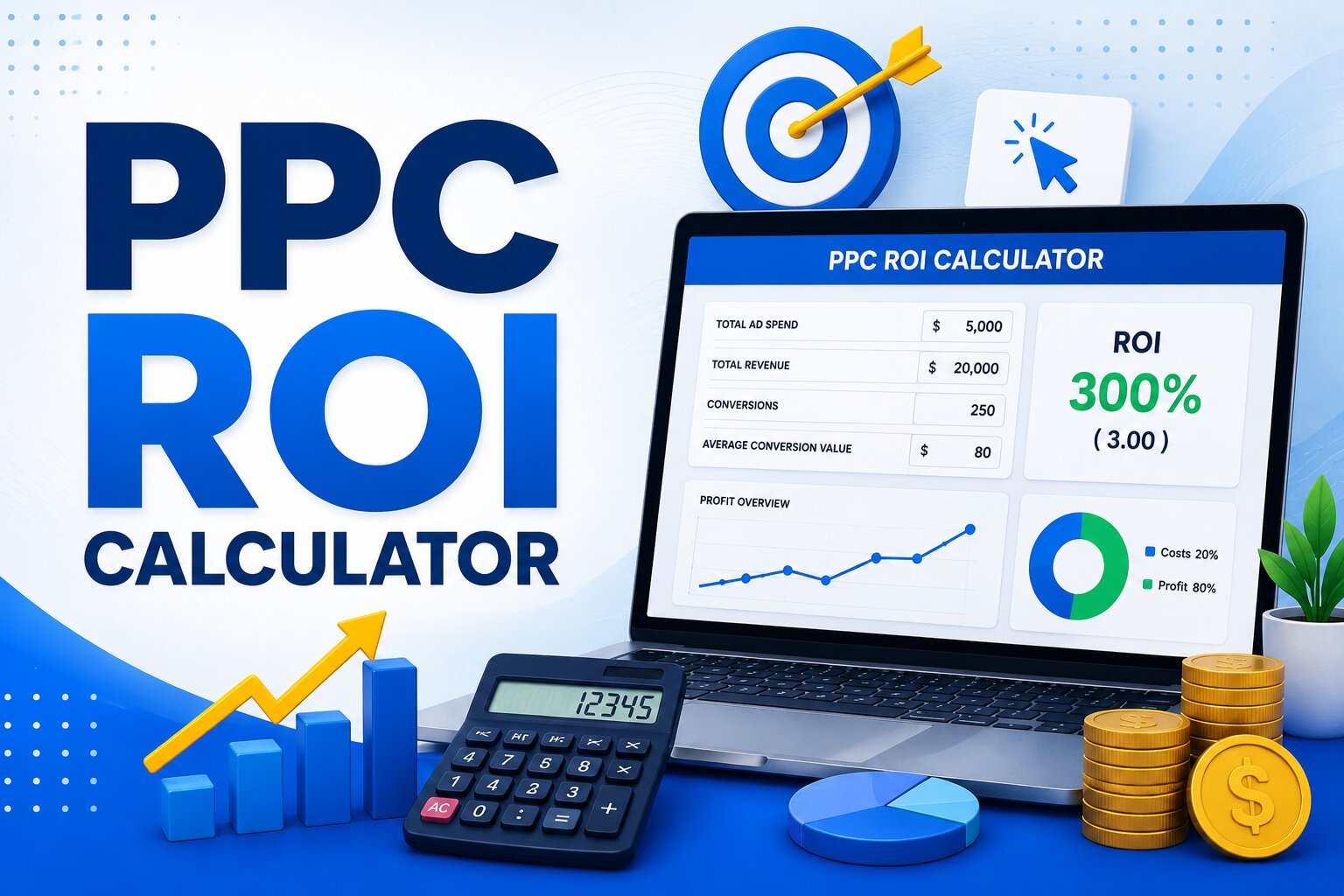
Estimate Your PPC ROI
See what your ad spend actually returns. Enter your cost per click, budget, and conversion numbers to get a clear picture of traffic, conversions, and profit — in the currency you work in.
Your Campaign Numbers
Adjust the sliders or type exact values.
Your Monthly PPC ROI
LIVE ESTIMATEWhat Is a PPC ROI Calculator?
A PPC ROI calculator estimates the profit your ad campaigns generate. It compares what you spend against what you earn.
It uses a few core inputs:
- Average cost per click (CPC)
- Monthly ad budget
- Conversion rate
- Average sale value
- Cost of goods sold (COGS)
The tool then calculates your traffic, conversions, total sales, and profit in seconds.
Why PPC ROI Tracking Matters
Ad spend without measurement is money at risk. Tracking return on ad spend (ROAS) and profit helps you:
- Spot underperforming campaigns early
- Protect your marketing budget
- Justify spend to stakeholders
- Scale what’s already working
- Cut what isn’t
Signs Your Ad Spend Needs a Checkup
- Your cost per acquisition (CPA) keeps rising
- Conversions have stalled
- You can’t explain your ROI in one sentence
- Budget decisions feel like guesswork
If any of these sound familiar, it’s time to run the numbers.
How the PPC ROI Calculator Works
The calculator uses your inputs to model a full PPC campaign performance snapshot.
- Traffic = Budget ÷ Cost per Click
- Conversions = Traffic × Conversion Ratio
- Total Sales = Conversions × Average Sale Value
- Profit = Total Sales − COGS − Ad Spend
- ROI % = (Profit ÷ Ad Spend) × 100
Each metric builds on the last. Change one input, and every result updates live.
Key Metrics This Tool Measures
Understanding these terms helps you read your results correctly.
- CPC (Cost Per Click): what you pay per ad click
- Conversion rate: the share of clicks that become leads or sales
- Average order value: revenue per converted customer
- COGS: cost to deliver each sale
- Profit margin: what’s left after all costs
- ROI: your return as a percentage of spend
Together, these give you a full digital marketing ROI picture, not just a traffic count.
How to Use the PPC ROI Calculator
- Choose your currency
- Enter your average CPC
- Set your monthly PPC budget
- Add your expected conversion ratio
- Enter your average sale value
- Add your cost of goods sold
- Review your live profit and ROI estimate
Adjust any slider to test different scenarios. See how a lower CPC or higher conversion rate changes your bottom line.
PPC ROI vs ROAS: What’s the Difference?
These two metrics are related but not identical.
- ROAS measures revenue generated per dollar spent
- ROI measures actual profit after costs
ROAS tells you if a campaign drives sales. ROI tells you if it makes money. Use both for a full view of ad spend efficiency.
Who Should Use This Calculator
- Marketing managers planning next month’s budget
- Business owners evaluating agency performance
- PPC specialists forecasting campaign results
- Anyone comparing Google Ads ROI across channels
Ways to Improve Your PPC ROI
A better calculator input means a better real-world result. Focus on these levers:
Lower Your Cost Per Click
- Improve Quality Score with tighter ad relevance
- Use negative keywords to cut wasted spend
- Test long-tail keywords with lower competition
Raise Your Conversion Rate
- Match landing pages to ad intent
- Simplify forms and checkout steps
- Add trust signals like reviews and guarantees
Increase Average Order Value
- Bundle products or services
- Offer upsells after the first conversion
- Highlight higher-tier plans in ad copy
Small changes to any of these inputs shift your PPC profitability more than a bigger budget alone.
Benefits of Calculating PPC ROI Regularly
- Catch budget leaks before they grow
- Set realistic cost-per-acquisition targets
- Compare performance across currencies and markets
- Make data-backed scaling decisions
- Communicate results clearly to your team
PPC ROI Calculator for Every Industry
Whether you run an eCommerce store, law firm, healthcare clinic, real estate agency, SaaS company, home service business, travel agency, educational institution, financial services company, or local business, our PPC ROI Calculator helps you estimate the return on your advertising investment. Simply enter your ad spend, conversion rate, average sale value, and other key metrics to understand campaign profitability, measure performance, and make smarter marketing decisions. This tool is designed for businesses of all sizes looking to optimize Google Ads, Bing Ads, social media advertising, and other pay-per-click campaigns.
FAQ
Frequently Asked Questions About PPC ROI Calculator
Get answers to the most common questions about using a PPC ROI Calculator, including how ROI is calculated and what metrics impact your campaign performance.
Learn how to measure advertising profitability, optimize your PPC budget, and make data-driven marketing decisions with confidence.
Most advertisers aim for a positive ROI above 100%. This means profit exceeds ad spend. Your target depends on margins and industry.
Yes. Switch between PKR, USD, GBP, EUR, AED, SAR, TRY, and INR. All results update instantly.
Not exactly. ROI is a percentage. Profit is a raw number. Both matter for decision-making.
Review it monthly, at minimum. Check weekly during active campaign testing.