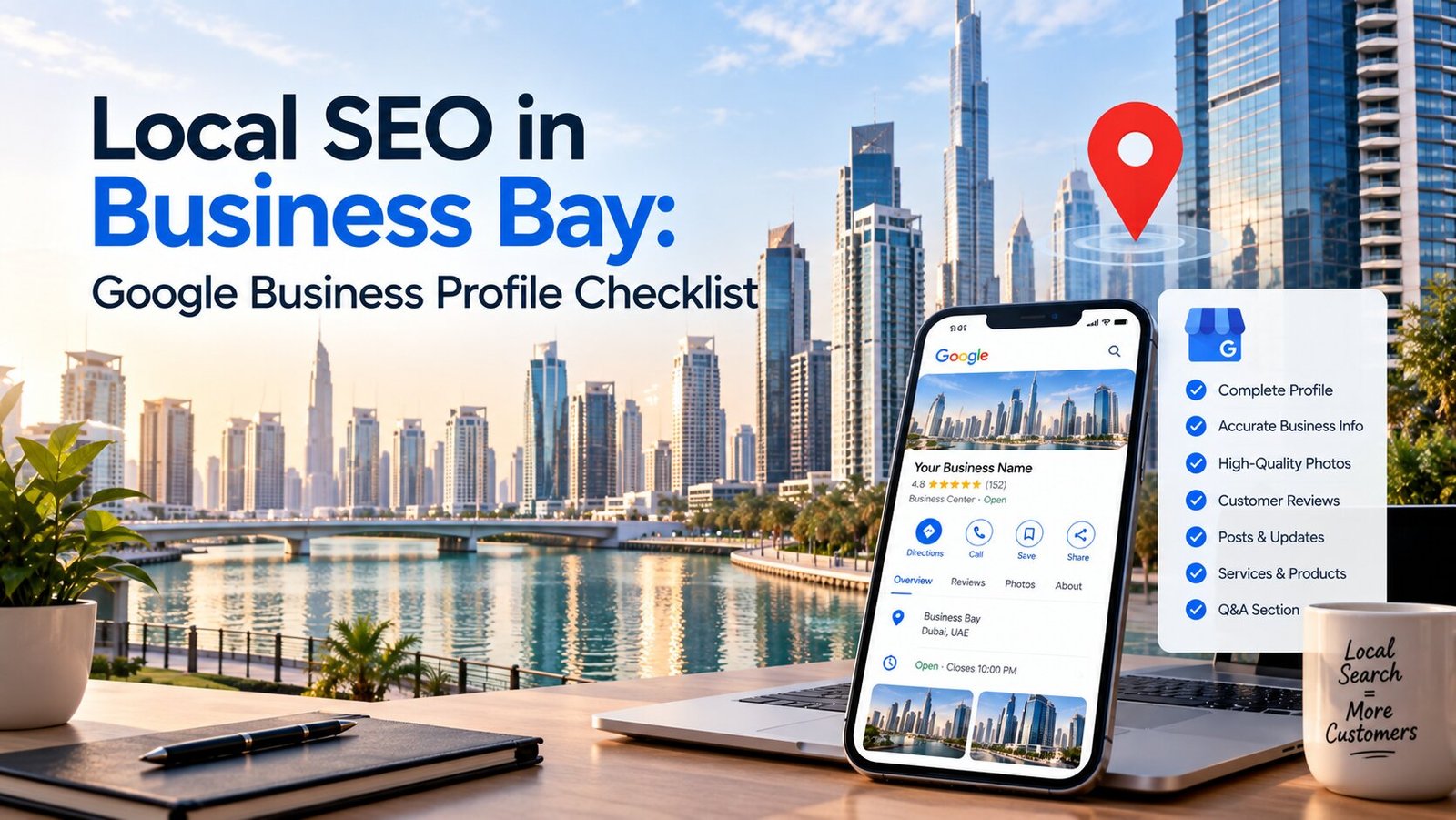
Business Bay is a strange kind of neighborhood. Half skyscraper business district, half residential canal-front community. Law firms and consultancies share the same postcode as boutique cafes and beauty salons. That mix means your Google Business Profile has to work harder here than in a more uniform district — it needs to clearly signal exactly who you are and exactly where you are, in an area where “near me” could mean a dozen different things depending on which tower someone’s standing in.
This is a checklist, not a general SEO essay. Work through it in order. Each section explains what to do, why it matters specifically in Business Bay, and what to double-check before moving on.
Before You Start: Claim and Verify Your Listing
If you haven’t already, claim your Google Business Profile through Google’s official verification process. Unclaimed listings can be edited by anyone, which is a real risk in a business district where duplicate or outdated listings are common after office relocations.
Check: Search your business name on Google right now. If a listing already exists that you didn’t create, claim it rather than starting a new one — duplicates split your reviews and confuse your rankings.
Section 1: Business Information Basics
☐ Exact business name — matches your signage and legal registration exactly. No extra keywords stuffed in (e.g., don’t add “Best Law Firm Business Bay” to your name field — this violates Google’s guidelines and risks suspension).
☐ Precise address — include your tower name, floor, and unit or office number. Business Bay has dozens of towers with similar naming conventions (Bay Square, Executive Towers, The Prism, Damac Towers), so precision here prevents customer confusion and strengthens Google’s confidence in your location data.
☐ Correct business category — choose the most specific primary category available. “Corporate Office” is vague; “Business Management Consultant” or “Family Law Attorney” tells Google, and searchers, exactly what you do.
☐ Secondary categories — add relevant secondary categories, but don’t pad the list with irrelevant ones just to appear in more searches. This can dilute relevance rather than help it.
☐ Phone number — a local UAE number, formatted consistently with how it appears on your website and other listings.
☐ Website URL — links to a live, working page, ideally a page relevant to your specific service rather than always the homepage.
Section 2: Hours and Availability
☐ Accurate operating hours — including different hours for weekends, since Friday-Saturday patterns vary by business type across the UAE.
☐ Holiday hours updated in advance — UAE public holidays shift your hours; update them before the holiday, not after.
☐ “More hours” fields filled in where relevant — separate hours for delivery, pickup, or specific departments if applicable.
Check: Search for your business right now during business hours. Does Google actually show you as “Open”? Mismatched hours are one of the most common, easily-fixed local SEO problems.
Section 3: Photos and Visual Content
☐ Logo — clear, correctly cropped, uploaded as your profile photo.
☐ Cover photo — a real photo of your storefront, office entrance, or reception area, not a stock image.
☐ Interior and exterior photos — at least 5–10 genuine photos showing what a visitor will actually see. Business Bay towers can be visually similar from outside; interior photos help people confirm they’ve found the right office.
☐ Team or service photos — especially valuable for clinics, salons, and professional services where trust matters.
☐ Regularly updated photos — add new photos every few months. Stale, years-old photos are a subtle signal of an inactive or neglected profile.
Common mistake: Using only stock photography. It looks generic and doesn’t help build the trust signals Google — and customers — are looking for.
Section 4: Business Description
☐ A clear, natural description — explain what you do, who you serve, and mention Business Bay naturally, without keyword stuffing.
☐ No promotional language or offers — Google’s guidelines restrict this field to factual business information, not sales copy.
☐ Mention relevant landmarks if useful — proximity to Burj Khalifa, Downtown Dubai, or the Dubai Canal can help searchers confirm your location, especially for walk-in businesses.
Section 5: Services and Products
☐ List individual services, not just a generic category. A law firm should list specific practice areas; a salon should list specific treatments.
☐ Add pricing where appropriate — even a starting price builds trust and can improve click-through from search results.
☐ Update this list when your offerings change — an outdated services list is a common reason profiles underperform despite otherwise good optimization.
Section 6: Reviews
☐ Set up a simple review request process — a direct link sent after a purchase, appointment, or service completion.
☐ Respond to every review — thank positive reviewers by name where appropriate, and address negative reviews calmly and professionally.
☐ Never buy or fake reviews — Google actively detects unnatural review patterns, and the risk (profile suspension) far outweighs the short-term benefit.
☐ Monitor review velocity — a steady trickle of new reviews performs better for rankings than a sudden burst followed by months of silence.
Business Bay-specific note: With so many law firms, consultancies, and clinics competing in the same towers, reviews are often the single biggest factor separating a business that gets chosen from one that gets scrolled past.
Section 7: Questions & Answers
☐ Pre-populate common questions yourself — parking availability, which floor you’re on, whether appointments are required. This prevents incorrect answers from being posted by random users.
☐ Monitor and answer new questions promptly — an unanswered question sitting for months looks neglected.
Section 8: Posts and Updates
☐ Publish Google Posts regularly — updates, offers, or announcements. This is an underused feature that keeps your profile visibly active.
☐ Include a call-to-action on each post — book, call, or learn more, depending on your business type.
☐ Avoid letting posts go stale — an expired offer sitting on your profile for months looks careless.
Section 9: Attributes and Extra Details
☐ Accessibility attributes — wheelchair access, if applicable, matters in a district with a mix of older and newer towers.
☐ Parking and payment attributes — Business Bay’s parking situation varies significantly by tower; noting valet, visitor parking, or nearby public parking availability genuinely helps searchers decide.
☐ Amenity attributes — Wi-Fi, outdoor seating, and similar details, where relevant to your business type.
Section 10: NAP Consistency Across the Web
☐ Cross-check your Name, Address, and Phone number against your website, Facebook, Instagram, and any UAE business directories you’re listed on.
☐ Fix mismatches immediately — a discrepancy as small as “Tower A” versus “Tower 1” can weaken Google’s confidence in your location data.
☐ Remove or update old listings from a previous Business Bay address if you’ve relocated within the district — a surprisingly common issue given how frequently offices here change towers.
Section 11: Insights and Ongoing Monitoring
☐ Check your Google Business Profile Insights monthly — track calls, direction requests, and website clicks, not just star rating.
☐ Watch for unauthorized edits — anyone with a Google account can suggest edits to public information on your listing; review suggested changes before they go live where possible.
☐ Re-audit your profile every quarter — hours, photos, services, and categories can drift out of date faster than expected, especially for growing businesses.
Full Checklist Summary
| Section | Key Action | Priority |
|---|---|---|
| Business info | Exact name, precise tower/floor address, specific category | High |
| Hours | Accurate, holiday-updated hours | High |
| Photos | Real, current photos of your actual location | High |
| Description | Natural, factual, no promotional language | Medium |
| Services | Specific, complete, kept current | High |
| Reviews | Actively requested, always responded to | High |
| Q&A | Pre-populated, monitored regularly | Medium |
| Posts | Regular updates with a clear call-to-action | Medium |
| Attributes | Parking, accessibility, amenities filled in | Medium |
| NAP consistency | Matched exactly across every online listing | High |
| Insights | Reviewed monthly, profile re-audited quarterly | Medium |
Why This Matters More in Business Bay Specifically
Business Bay has an unusually high concentration of visually similar towers, professional services businesses, and frequent office relocations. That combination makes precision — in your address, your categories, and your consistency across the web — more valuable here than in most other Dubai districts. A generic, half-completed profile gets lost easily. A precise, actively maintained one stands out by comparison, often without needing to outspend competitors on anything else.
FAQ: Google Business Profile for Business Bay
How often should I update my Google Business Profile? Check it monthly for accuracy, and do a fuller review — photos, services, hours — every quarter. Growing or relocating businesses should update immediately after any change.
Does my tower name really affect local rankings? Yes. Precise address details help Google match your listing to hyper-local searches, which matters in a district as tower-dense as Business Bay.
How many photos should I upload? Start with at least 5–10 genuine photos and add new ones every few months. There’s no strict maximum, but quality and recency matter more than sheer volume.
Should I respond to negative reviews? Yes, always. A calm, professional response to a negative review often reassures future customers more than the negative review itself discourages them.
What’s the biggest mistake businesses make with their profile in Business Bay? Leaving the address vague — just “Business Bay, Dubai” without tower and floor detail — which weakens both customer clarity and Google’s local ranking confidence.
Can I edit my Google Business Profile myself, or do I need an agency? Most of this checklist can be handled directly by a business owner or staff member. It requires consistency more than technical skill.
How long does it take to see results after optimizing my profile? Many businesses notice increased profile views and calls within a few weeks. Stronger, more stable ranking improvements typically build over 1 to 3 months of consistent activity.
Final Note
A complete, accurate, actively maintained Google Business Profile is one of the highest-leverage things a Business Bay business can do for local visibility — and it costs nothing but time. Work through this checklist section by section, then revisit it quarterly. In a district this dense with competing businesses, the ones that bother to get the details right are the ones that get found.