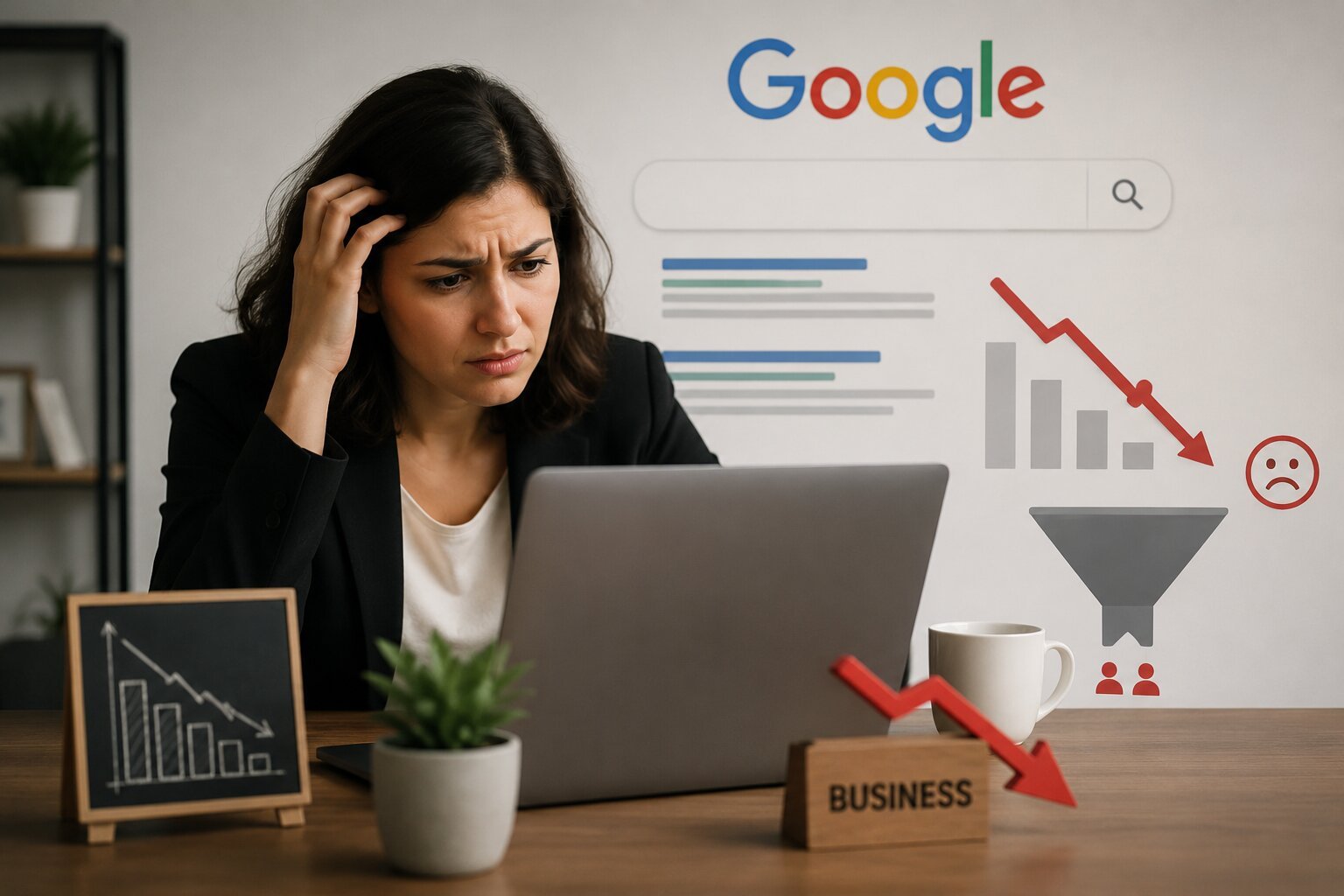
You’re on Google. People are searching. But your phone isn’t ringing and your inbox is empty.
This is one of the most frustrating problems in business today: showing up on Google but still not getting leads.
It’s more common than you think. Many businesses in Pakistan and around the world rank for keywords, get visitors, and still walk away with zero inquiries.
The good news is that this problem almost always has a clear cause. In this guide, we’ll break down exactly why your business isn’t getting leads from Google, and what you can do to fix it.
What Does “Not Getting Leads From Google” Actually Mean?
Before fixing the problem, it helps to define it clearly.
“Not getting leads from Google” means one of these situations:
- You rank on Google but get little to no traffic.
- You get traffic but visitors leave without contacting you.
- You get calls or messages, but they’re low quality and don’t convert into customers.
Each of these situations has a different root cause. Let’s look at why they happen.
Top 10 Reasons Your Business Isn’t Getting Leads From Google
1. You’re Ranking for the Wrong Keywords
Ranking on Google means nothing if you’re ranking for keywords people don’t use to buy.
For example, ranking for “what is SEO” brings informational traffic, not customers ready to hire someone. Ranking for “SEO agency near me” brings buyers.
Fix: Focus on commercial and transactional keywords, not just informational ones.
2. Your Website Isn’t Mobile-Friendly
Most Pakistani users search on mobile phones. If your site is slow or hard to use on mobile, visitors leave within seconds.
Fix: Test your site with Google’s PageSpeed Insights and fix any mobile usability issues.
3. Slow Website Loading Speed
A slow website kills conversions. Studies consistently show that most users abandon a page if it takes more than 3 seconds to load.
Fix: Compress images, use caching, and choose reliable hosting.
4. No Clear Call-to-Action (CTA)
Visitors need to know exactly what to do next. If your page doesn’t have a visible “Call Now,” “Get a Free Quote,” or “WhatsApp Us” button, they’ll simply leave.
Fix: Add clear, visible CTAs on every important page.
5. Weak or Missing Trust Signals
People don’t buy from businesses they don’t trust. Missing reviews, no phone number, no address, or an outdated design all raise red flags.
Fix: Add testimonials, certifications, real photos, and contact details clearly on your site.
6. Your Google Business Profile Is Incomplete
For local businesses, an incomplete or unverified Google Business Profile is one of the biggest reasons leads don’t come in.
Fix: Fully complete your profile with accurate hours, photos, categories, and regular posts.
7. Poor Website Design and User Experience
A confusing layout, too many pop-ups, or unclear navigation frustrates visitors and drives them away before they contact you.
Fix: Simplify your website design and make contact options easy to find.
8. You’re Attracting Traffic, Not Buyers
High traffic numbers can be misleading. If your content attracts students, researchers, or window-shoppers instead of paying customers, leads will stay low.
Fix: Align your content and keywords with actual buyer intent.
9. No Follow-Up System for Inquiries
Sometimes leads do come in, but they get lost. No follow-up call, no email reply, and no WhatsApp response means lost business.
Fix: Set up a simple CRM or tracking sheet to follow up with every inquiry within 24 hours.
10. You’re Only Relying on SEO, Not a Full Strategy
SEO brings visibility, but conversion needs more: good design, fast loading speed, clear offers, and trust-building content working together.
Fix: Treat SEO as one part of a larger lead generation system, not the entire solution.
Comparison Table: Common Symptoms vs Root Causes
| Symptom You Notice | Likely Root Cause |
|---|---|
| High traffic, no inquiries | Wrong keyword intent or weak CTA |
| Ranking well, but low traffic | Poor click-through rate or weak meta description |
| Traffic drops off fast | Slow website speed or poor mobile experience |
| Leads come in but don’t convert | No follow-up system or unqualified traffic |
| No calls from local searches | Incomplete Google Business Profile |
| Visitors leave without scrolling | Confusing design or unclear value proposition |
How to Diagnose Why You’re Not Getting Leads
Follow this simple step-by-step process to find your specific problem.
- Check Google Search Console to see which keywords bring traffic and whether they match buyer intent.
- Check Google Analytics to see your bounce rate and average time on page.
- Test your site speed using Google PageSpeed Insights.
- Review your Google Business Profile for completeness and accuracy.
- Audit your CTAs on every important page.
- Check your contact response time to see how fast inquiries are answered.
- Read your content like a customer, not a business owner, to spot confusing sections.
Benefits of Fixing Your Lead Generation Funnel
Once these issues are fixed, businesses typically see:
- More qualified leads instead of just more traffic.
- Higher conversion rates from the same amount of visitors.
- Better return on SEO investment, since traffic finally turns into revenue.
- Improved customer trust, leading to repeat business and referrals.
- Lower cost per lead, since you’re not wasting budget on unqualified clicks.
Best Practices to Turn Google Traffic Into Real Leads
- Use buyer-intent keywords like “buy,” “price,” “near me,” and “book now.”
- Keep your Google Business Profile 100% complete and updated monthly.
- Add at least one clear CTA above the fold on every page.
- Make sure your site loads in under 3 seconds on mobile.
- Show real reviews and testimonials near your CTA buttons.
- Respond to every inquiry within a few hours, not days.
- Track everything using Google Analytics and Search Console to keep improving.
Common Mistakes to Avoid
- Chasing traffic instead of leads. More visitors mean nothing without conversions.
- Ignoring mobile experience. Most searches happen on phones, not desktops.
- Forgetting to update your Google Business Profile. An outdated profile confuses potential customers.
- Having no follow-up process. Leads go cold fast without quick responses.
- Using vague CTAs like “Learn More” instead of clear action words like “Call Now” or “Get a Free Quote.”
- Overloading pages with information instead of guiding visitors toward one clear action.
Key Takeaways
- Ranking on Google doesn’t guarantee leads; conversion depends on intent, design, and trust.
- Slow websites, weak CTAs, and incomplete Google Business Profiles are common lead killers.
- A proper diagnosis using Search Console and Analytics reveals the real problem quickly.
- Fixing lead generation requires a full strategy, not just SEO alone.
- Fast follow-up on inquiries is just as important as attracting the traffic itself.
Frequently Asked Questions (FAQ)
1. Why am I ranking on Google but not getting any leads?
This usually happens because you’re ranking for informational keywords instead of buyer-intent keywords, or your website lacks clear calls-to-action that guide visitors toward contacting you.
2. How long does it take to start getting leads from Google?
If your SEO and website are optimized correctly, leads can start within 3 to 6 months. Poor website design or weak CTAs can delay results even with good rankings.
3. Does Google Business Profile really affect lead generation?
Yes. For local businesses, an optimized Google Business Profile often generates more leads than website SEO alone, especially for map-based “near me” searches.
4. Why do people visit my website but leave without contacting me?
Common reasons include slow loading speed, confusing navigation, no visible CTA, or a lack of trust signals like reviews and clear contact information.
5. Is it better to focus on more traffic or better conversion?
Better conversion. Increasing traffic without fixing conversion issues just means more people leaving without becoming leads, which wastes marketing budget.
6. What is a good conversion rate for a business website?
Most websites see conversion rates between 2% and 5%. Anything below 1% usually signals a problem with intent, design, or trust.
7. Can slow website speed really cause lost leads?
Yes. Visitors commonly abandon slow-loading pages within a few seconds, especially on mobile networks, which directly reduces inquiries and sales.
8. Should I use Google Ads if SEO isn’t bringing leads?
Google Ads can help while you fix SEO and conversion issues, but it won’t solve the underlying problem. Fixing your website first ensures ad spend isn’t wasted too.
9. How do I know if my keywords are attracting the wrong audience?
Check Google Search Console for the exact search terms bringing traffic. If most are informational, like “what is” or “how to,” your content is attracting researchers, not buyers.
10. What’s the fastest fix for low leads from Google?
Adding a clear, visible CTA and completing your Google Business Profile are usually the fastest fixes, often showing improvement within a few weeks.
Conclusion
If your business isn’t getting leads from Google, the problem is rarely about visibility alone. It’s usually a mix of wrong keyword intent, weak calls-to-action, slow site speed, or an incomplete Google Business Profile.
The fix starts with a proper diagnosis. Once you know exactly where visitors are dropping off, you can make targeted changes that turn traffic into real, paying customers.
Ready to Turn Your Google Traffic Into Real Leads?
Stop guessing why your website isn’t converting. Get a free website and SEO audit today and find out exactly what’s stopping your business from getting leads from Google.
📞 Contact us SEO Digix to book your free consultation and start turning search traffic into real customers.