
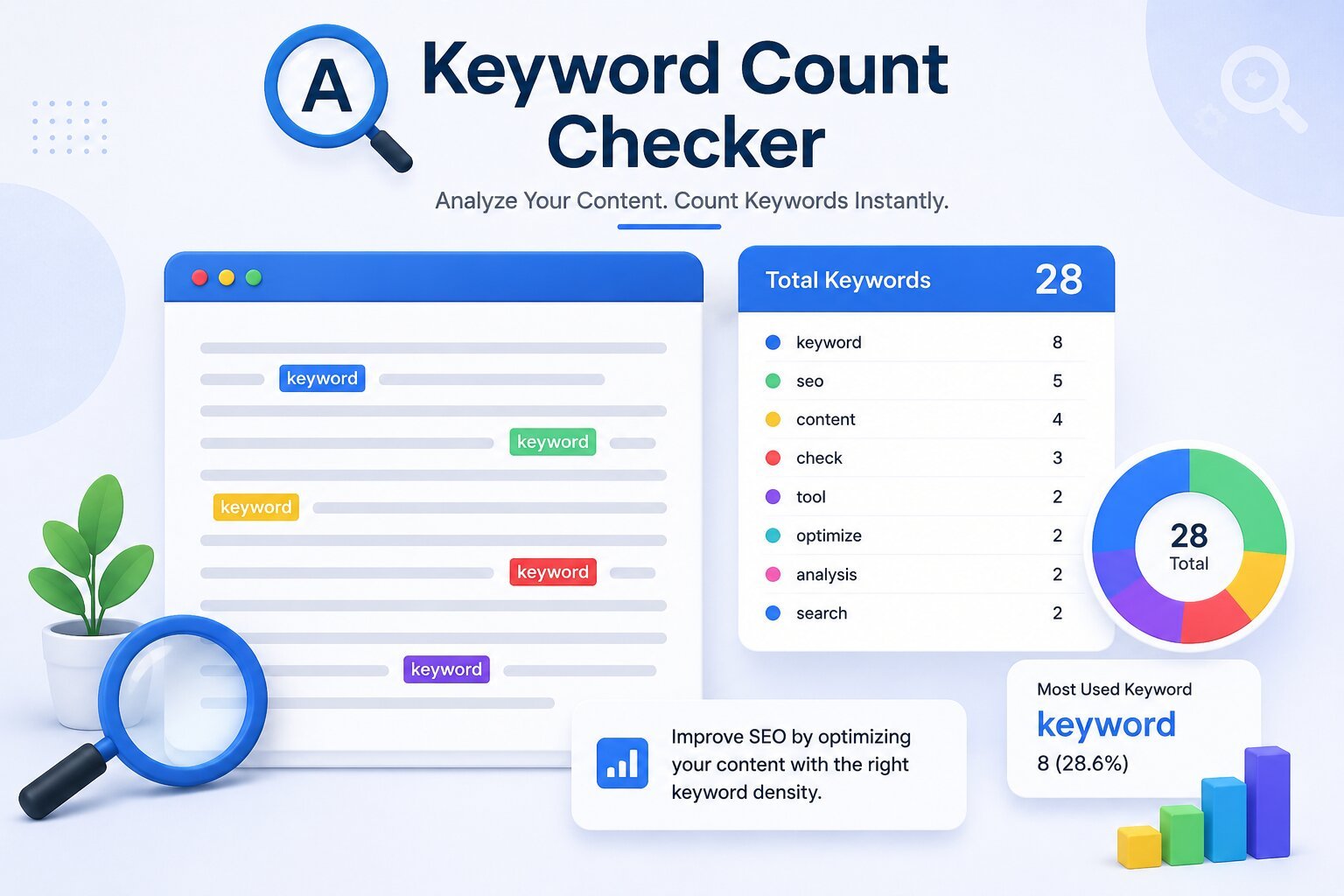
Keyword density used to be one of the first things writers checked before hitting publish, then it quietly fell out of fashion as search engines got smarter about context. But it never fully disappeared — search engines still use keyword frequency as one signal (among many) to understand what a page is actually about. That’s the gap the Zuhio Keyword Count Checker fills: a small, single-purpose tool that tells you exactly how often your target keyword shows up, without asking you to learn a full SEO platform to get the answer.
This guide covers what the tool does, how to use it step by step, and where it fits into a modern content workflow.
Table of Contents
ToggleWhat Is the Zuhio Keyword Count Checker?
The Zuhio Keyword Count Checker is a free, web-based tool that scans a block of text and reports two numbers: how many times a chosen keyword appears, and what percentage of the total word count that represents (its keyword density).
That’s the entire job. It doesn’t crawl your website, check backlinks, pull search volume, or suggest new topics. It’s not trying to be an all-in-one SEO suite — it’s a focused editing check, meant to be used in the final pass before you publish.
That narrow scope is actually the appeal. Instead of digging through a dashboard full of unrelated metrics, you paste your draft, enter your keyword, and get an instant, unambiguous answer.
Why Keyword Count Still Matters
Two failure modes tend to hurt content quality, and both are easy to miss while you’re deep in a first draft:
- Under-optimization — your target keyword barely appears, so search engines struggle to tell what the page is actually about.
- Over-optimization — the keyword is repeated so often that the writing feels robotic, and in worse cases starts to look like keyword stuffing.
A count-and-density check doesn’t fix either problem for you, but it makes both visible in seconds, which is often all a writer needs to catch the issue before publishing.
How to Use the Zuhio Keyword Count Checker: Step by Step
- Write your content naturally first. Don’t try to hit a density target while drafting — write for the reader, then check the numbers afterward. Content written around a density goal from the start tends to read stiffly.
- Open the tool in your browser. No account or install is required.
- Paste your full content into the input box — the entire article, page, or product description you’re about to publish.
- Enter your target keyword or phrase exactly as you want it tracked.
- Review the results. You’ll see the raw count (how many times the keyword appears) and the density percentage (count relative to total word count).
- Adjust if needed. If the number looks too low, look for one or two natural places to add the keyword or a close variant. If it looks too high, swap a few repeated instances for synonyms or related phrases.
What Counts as a “Good” Keyword Density?
There’s no single official number, but a commonly used working range is 1% to 2% keyword density for a primary keyword in long-form content. That’s a guideline, not a rule — the right number shifts depending on content type, topic, and how naturally the phrase fits into normal sentences. A 3,000-word technical guide and a 400-word product description won’t behave the same way even at the same density.
The real test is always readability: if a sentence sounds forced because it exists just to fit the keyword in, that’s a stronger signal than any percentage.
Who Should Use This Tool
The Zuhio Keyword Count Checker fits naturally into the workflow of:
| User Type | How They’d Use It |
|---|---|
| Bloggers | Quick pre-publish check on posts |
| SEO specialists | Fast density audit alongside other tools |
| Content marketers | Consistency checks across a content calendar |
| Freelance writers | Client deliverable quality checks |
| Students | Learning the basics of on-page optimization |
| Small business owners | Reviewing website copy without hiring an SEO team |
What It Can’t Do
It’s worth being clear-eyed about the limits. The tool won’t audit your site’s technical SEO, analyze backlinks, tell you what topics to write about, or estimate search volume for a keyword. It’s a single-metric checker, not a strategy tool — pair it with broader keyword research and technical SEO practices rather than relying on it alone.
Final Thoughts
The Zuhio Keyword Count Checker earns its place by doing one thing well: showing you, in seconds, whether your keyword usage is balanced. It won’t replace a full SEO toolkit, and it isn’t trying to. Used as a last-pass editing check — after you’ve written naturally and before you hit publish — it’s a fast, low-friction way to catch both keyword stuffing and keyword neglect before either one costs you rankings or readability.